Billing modes
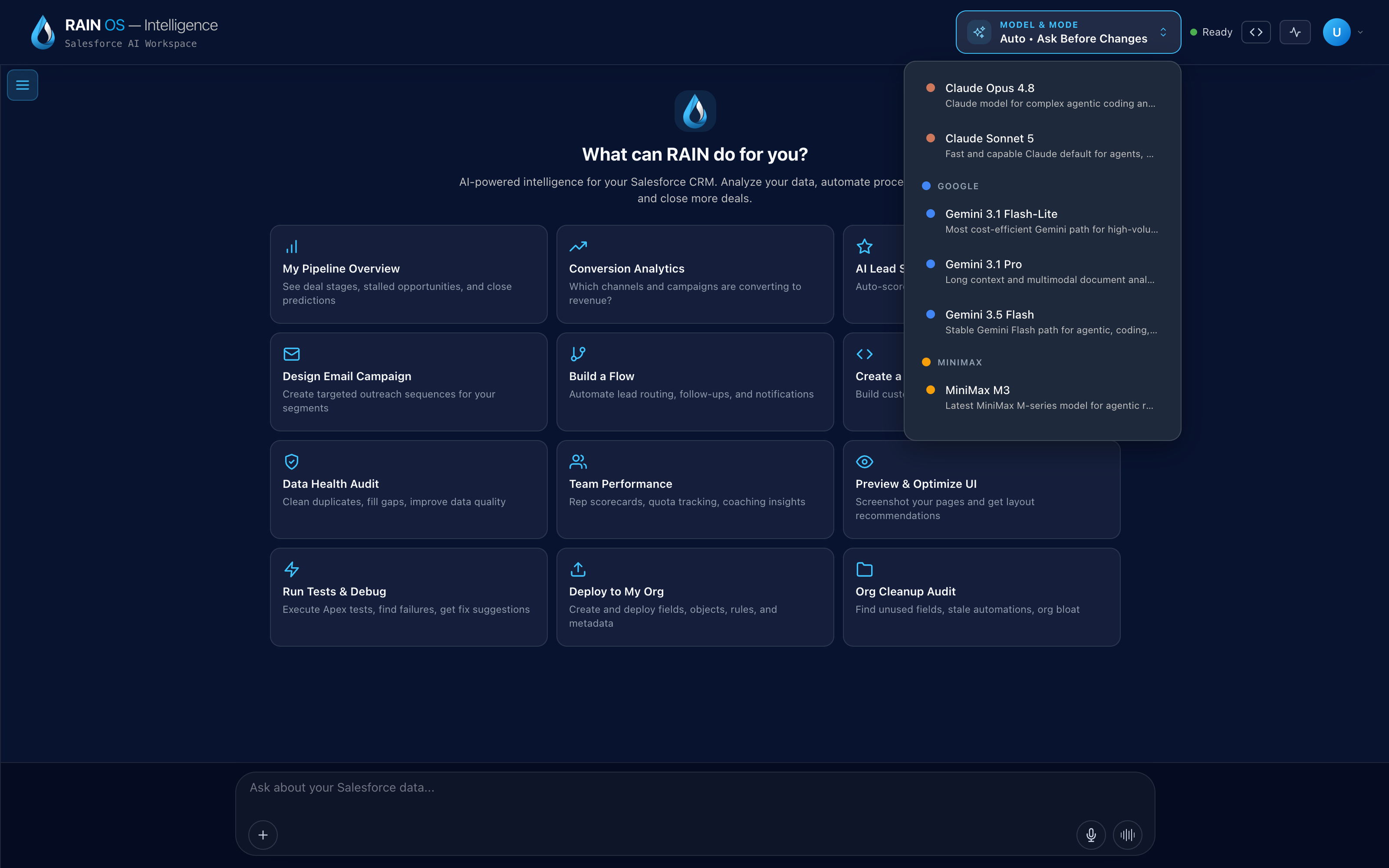
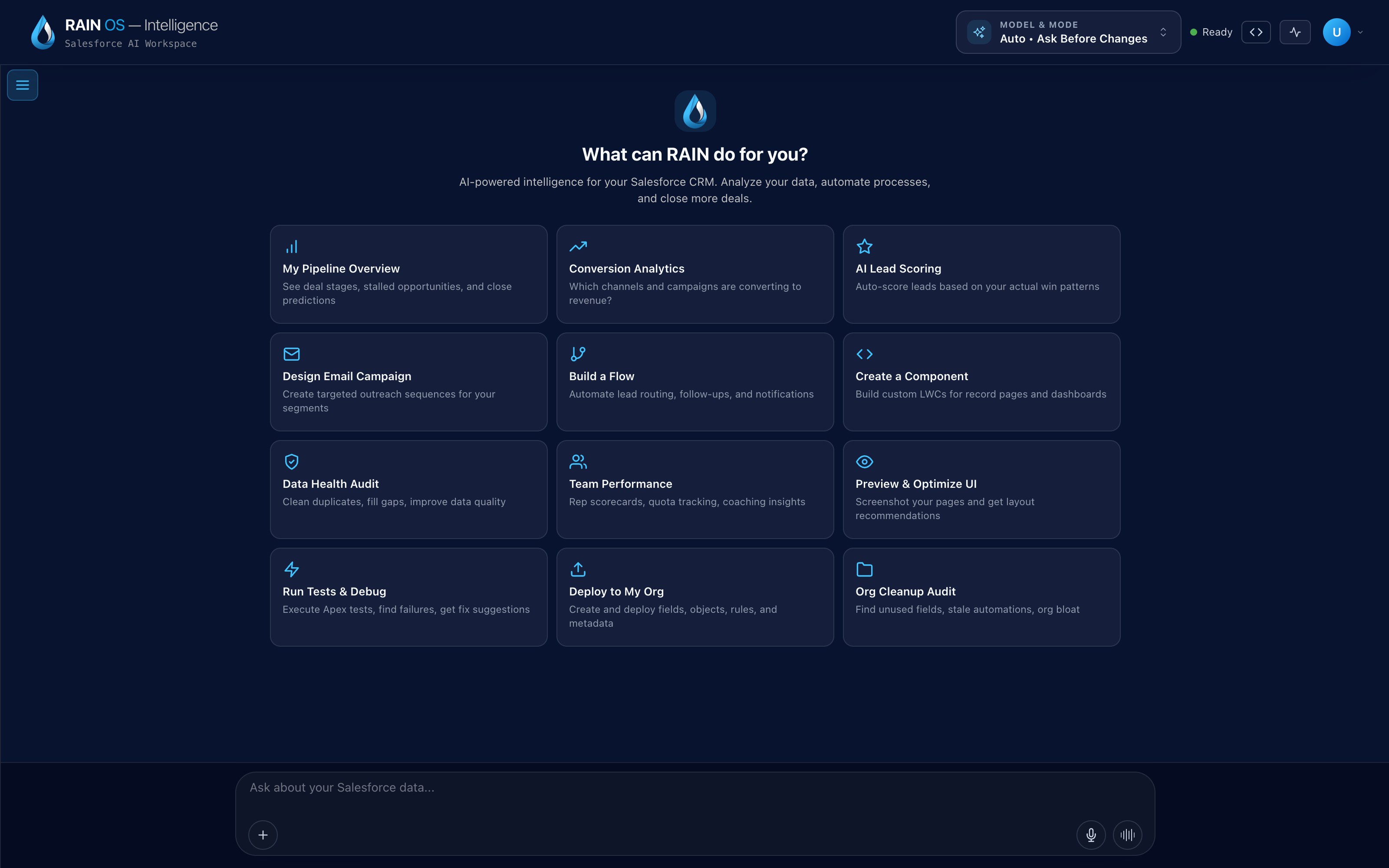
The model control exposes automatic routing and the provider groups available to the active workspace. Billing mode, key status, credits, and budgets are separate settings and are not shown in this view.
RAIN Intelligence supports three billing approaches when enabled for the environment:
- Organization credits use the organization's RAIN-managed balance synchronized through the supported Salesforce relationship.
- Personal credits use an individual hosted balance and can support purchase, subscription, and configured auto-reload behavior when the feature is enabled.
- Bring your own key uses the user's or organization's configured model-provider key for supported providers.
The selected mode must also support the selected model. Property, speech, embedding, reranking, and other third-party services can have separate usage and credentials.
Configure a mode
- Review which modes the organization permits.
- Select the default mode in the supported billing and model settings.
- For organization credits, refresh and verify the Salesforce-managed balance.
- For personal credits, confirm the feature is enabled before checkout or auto-reload.
- For provider keys, add each key through the protected hosted settings UI and test one low-cost model request.
- Set model preferences and disabled models.
- Choose whether provider-key exhaustion stops the turn or permits an allowed fallback.
- Review usage after the first representative task.
Never enter a provider key into chat, a Salesforce record, a workspace file, or a support message.
Provider-key scope and security
Keys entered through supported settings are protected and are not recoverable or displayed after submission. Depending on administration and user settings, a key can apply to an individual or an organization default. Use least-privilege provider scope, keep individual and shared ownership clear, and rotate or revoke keys when access or ownership changes.
Provider billing, retention, rate limits, and account security remain governed by that provider. RAIN can report observed usage and failures but cannot guarantee the provider account's total spend outside RAIN.
Exhaustion and fallback
When a balance or key is unavailable, policy can stop the request or move to another allowed billing path or model. A fallback can change price, latency, model behavior, and provider data handling. Keep stop-on-exhaustion for tightly controlled or regulated use cases unless the alternative path has been reviewed.
Personal credit features can be disabled by environment or organization policy. An unavailable checkout is not necessarily a service outage.
Budgets
RAIN Intelligence records supported service costs and can display global or organization monthly budgets and alert thresholds. Budget alerts do not provide a guaranteed hard spending stop.
Use provider-side hard limits, controlled key scope, credit balances, disabled models, and operational monitoring when strict cost containment is required.
Reconciliation
Cost estimates depend on model catalog pricing, measured tokens or units, provider responses, and successful telemetry. Compare RAIN usage with provider invoices and Salesforce credit records. Investigate missing attribution, repeated charges, and mode changes.
Troubleshooting
Organization credits are unavailable: Refresh the Salesforce balance, check the connected org and credit permission, and confirm the feature is enabled.
Personal credits cannot be selected: The environment or organization may not have enabled them, or checkout configuration may be incomplete.
A provider key is reported missing: Confirm the selected model's provider, key scope, key validity, and whether the active user can use the organization default.
A turn stops on quota: Review exhaustion policy and provider balance before retrying. Do not loop through repeated chargeable failures.
Spend exceeds the displayed budget: Budgets are warning thresholds. Pause costly features, inspect usage by provider and operation, and apply enforceable limits at the credit or provider layer.